What is a KDS and How Kitchen Screens Shorten Ticket Times: A Complete Guide for the COO
How kitchen screens route tickets, measure ticket time and cut remakes: KDS as a tool for operating-cost control and kitchen transparency.
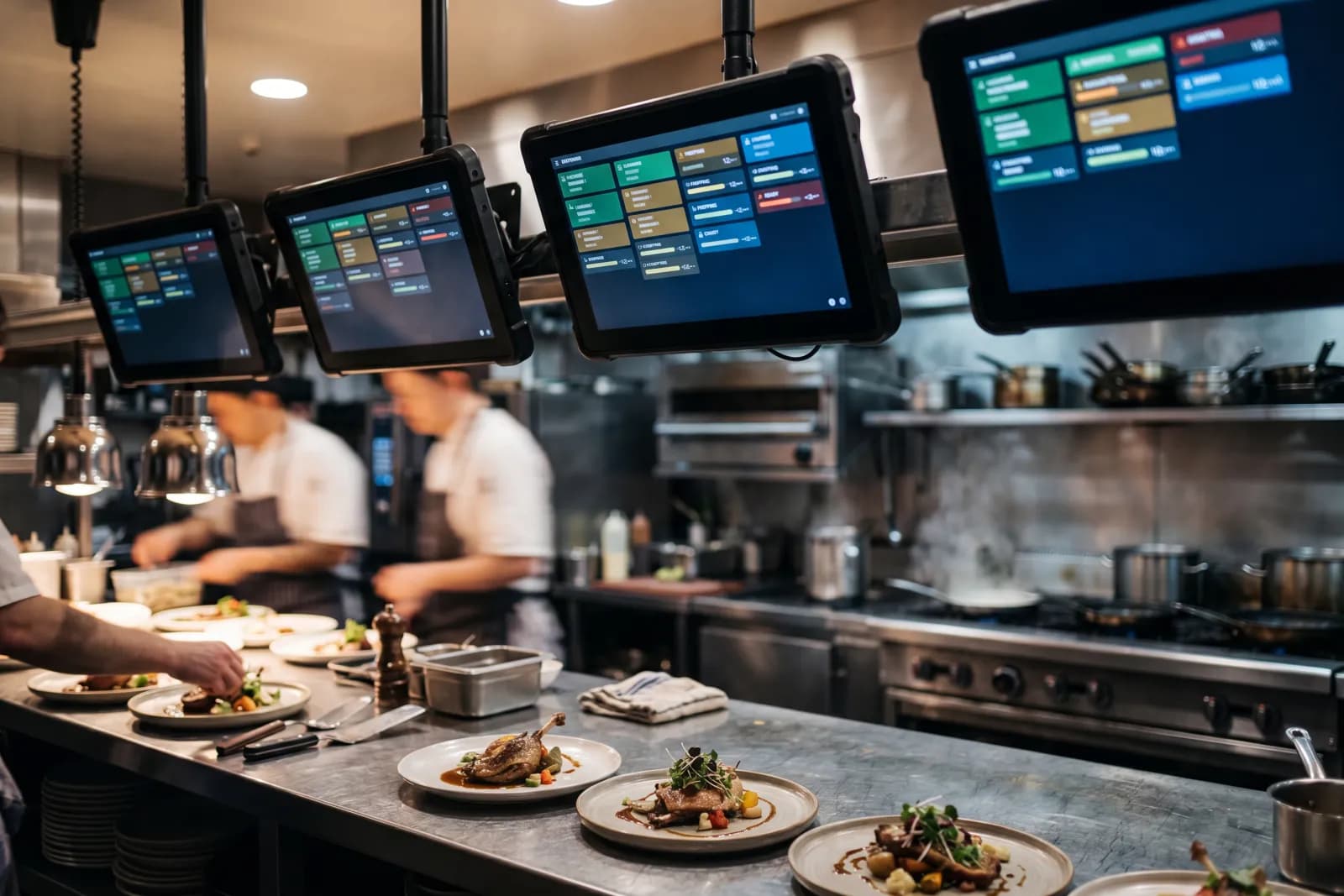
The efficiency of a modern kitchen in the foodservice segment is determined not only by the skill of the chefs but also by the speed of information transfer between the front-of-house and production. Traditional paper tickets (receipt printers) are gradually being replaced by digital order queue management systems. A Kitchen Display System (KDS) is a hardware and software suite that visualizes the preparation process, balances the workload across kitchen stations, and aggregates performance data. As logistics and food costs rise, optimizing internal processes becomes the lever for maintaining profitability.
System Workflow: How KDS Transforms Workflow Management
Unlike a ticket printer that works in one direction, a KDS provides two-way communication. When an order is placed on a POS terminal or received from a mobile app, it instantly appears on screens in the appropriate stations: cold, hot, pastry. The Chief Operating Officer receives a real-time monitoring tool where every step—from ticket receipt to dish dispatch—is recorded with a digital footprint.
Average speed of service (SOS) directly correlates with guest satisfaction. A KDS allows defining target times for each menu item. If preparing a salad takes more than 7 minutes, the line on the screen turns red, signaling the head chef about a critical deviation.
Digitization of the kitchen eliminates the problem of lost or illegible tickets. During peak hours, the number of orders per chef climbs. A paper strip under these conditions becomes a source of chaos. A KDS structures the queue by priority: dine-in orders are displayed first, followed by delivery orders, taking into account the courier's delivery window. This allows synchronizing the readiness of all items in a single ticket, ensuring that guests receive their hot dishes together rather than 10 minutes apart.
How a KDS shortens ticket times
- 1
Digital order routing by station
An order from the POS or app appears instantly on cold, hot and pastry screens — two-way communication instead of one-way service printing.
- 2
Timings and color escalation
Each item gets a target time; on overrun the row turns red — the chef sees critical delays in real time.
- 3
Syncing item readiness
The system aligns the timings of dishes on one check so the guest gets every item together, not in fits and starts.
- 4
Delivery integration
Prep time is calculated so the courier collects the order as it’s packed, and the ready status goes to the customer app and the courier service.
- 5
Bottleneck analytics
APT, Station Speed and Peak Hour Performance reveal overloaded stations and hours — the basis for reshuffling shifts and incentives.
Economic Efficiency: Reducing Waste and Labor Costs
Implementing a KDS is not just about speed; it is also about food cost control. Errors during manual entry or mistaking ticket details by a chef lead to remade dishes. Kitchen screens display not only the name of the dish but also modifiers, allergens, and plating photos. Visual control removes the misreading that leads to remakes.
An important aspect is labor optimization. KDS analytics pinpoint bottlenecks in shift performance. If monthly data confirms that the hot station consistently struggles with workloads between 7:00 PM and 9:00 PM, the operations manager can redistribute personnel or modify preparation protocols. In some cases, automation allows eliminating the 'expeditor' role (the person who reads tickets to the line cooks) since the system performs the coordination role.
Reducing spending on consumables also contributes to the project's ROI. Thermal paper for ticket printers is a recurring consumable cost; a paperless kitchen removes it along with the waste it creates.
Integration with Delivery and Third-Party Aggregators
Takeout and delivery are a permanent part of restaurant revenue. The KDS becomes the central hub that consolidates streams from different channels. When an order arrives from an external aggregator, the system automatically calculates preparation time so that the courier picks up the package the moment it is packed.
Courier idle time is one of the most expensive issues for the operations department. Every minute a courier waits at the venue increases logistics costs. A KDS transmits dish readiness status to the customer app or the courier service system. This creates a transparent ecosystem where the customer sees the real state of affairs rather than an averaged estimate.
An additional benefit is the ability to aggregate orders. The system can group identical items from different tickets. For example, if there are five orders for steaks with different doneness in the queue, the KDS displays them as a single list for the grill chef, which reduces equipment usage frequency and saves energy.
Analytics and KPIs: Data-Driven Management
The main value of a KDS for the COO is the wealth of decision-making data. The system records the following metrics:
- Average Preparation Time (APT)—average cooking times by category.
- Order Accuracy—percentage of orders issued without modifications.
- Peak Hour Performance—kitchen throughput during maximum workload hours.
- Station Speed—speed of individual stations or employees.
Comparative analysis of different shifts helps identify top performers and laggards. This forms the basis for material motivation systems. If a shift consistently keeps ticket times within 12 minutes while maintaining high quality, this is a measurable result worthy of a bonus. Without a KDS, kitchen performance evaluation remains subjective and relies on the head chef's opinion or guest complaints.
Chains move away from paper tickets because they need to react to demand changes as they happen. The ability to instantly update the stop-list on all kitchen screens when ingredients run low prevents conflict situations with guests and simplifies the servers' tasks.
Equipment and Workspace Ergonomics
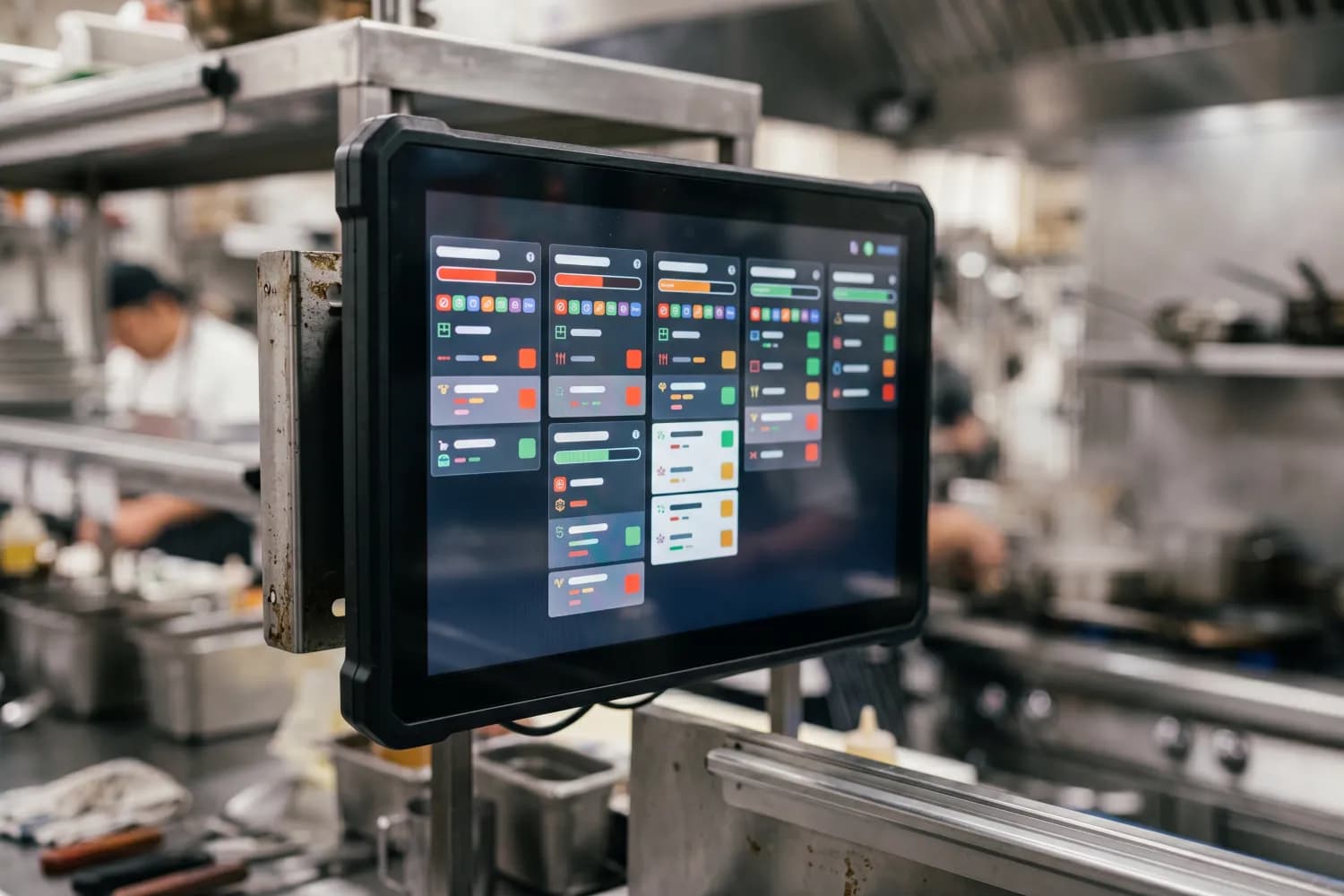
Choosing hardware for KDS requires considering the specific nature of the kitchen environment. High temperatures, humidity, and airborne grease quickly damage consumer tablets. Professional solutions include rugged touchscreens with protection ratings of IP65 or higher, or standard monitors paired with bump bars. Bump bars are often preferred by cooks as they allow working in gloves and do not require touching the screen.
Monitor placement must follow ergonomic rules. Screens are installed at eye level so cooks do not have to look away from their work. In large kitchens, duplicate screens are used. For example, marking an order 'Ready' on the kitchen screen automatically displays the order number on the order-ready display in the expediting zone or the dining area.
The KDS software must support flexible interface configurations. The COO can define what information is critical: dish ingredients, elapsed time since order entry, or table number. Customizing color schemes for different order types (VIP guests, delivery, staff meals) helps personnel prioritize without unnecessary communication.
Overcoming Employee Resistance During Implementation
Any automation faces the human factor. Line cooks are accustomed to paper tickets that can be pinned to a rack or marked with a highlighter. Transitioning to a KDS requires training and changing habits. Once the habit changes, the screen takes over the coordination that used to rest on the head chef’s voice.
The system acts as the 'queue dictator,' relieving the cook of the responsibility to decide what to prepare first. This reduces cognitive load and allows focusing on product quality. For change management, it is recommended to implement the system in phases: start with one station, then scale to the entire kitchen.
It is important to convey to the team that a KDS is not a surveillance tool, but a way to prove work efficiency. Objective data protects cooks in disputes with servers or managers. If the system records that a dish was ready in 10 minutes but the server picked it up 20 minutes later, responsibility for the cold food shifts to the service staff.
The Future of KDS: Artificial Intelligence and Predictive Management
In 2025–2026, KDS development will trend toward integration with machine learning algorithms. Systems will predict order surges based on historical data, weather, and local events. For instance, if rain is expected on a Saturday evening, the KDS can alert the kitchen early to prepare additional prep components for the delivery service.
Integration with smart kitchen equipment (IoT ovens and fryers) will allow the system to automatically set cooking parameters when a ticket arrives. This minimizes the impact of human error on the final taste. The KDS is turning from a simple screen into the 'brain' of the restaurant, synchronizing purchasing, production, and sales.
Implementing a Kitchen Display System today is a survival standard for businesses aiming to scale. Without transparent production control, it is impossible to build an efficient chain or ensure consistent quality. A KDS pays back through less waste and higher kitchen throughput — its ticket-time and remake reports show by how much, on your own data.
Related articles
Want to apply this to your operation?
EFRION builds the automations described here — across POS, warehouse, and back-office operations.
Request a demo