Patient No-Shows as a Clinic Revenue Leak: How Scheduling and Reminders Solve It
Patient no-shows as a clinic revenue leak: why patients miss appointments, and how reminders, waitlists and deposits keep the schedule full.
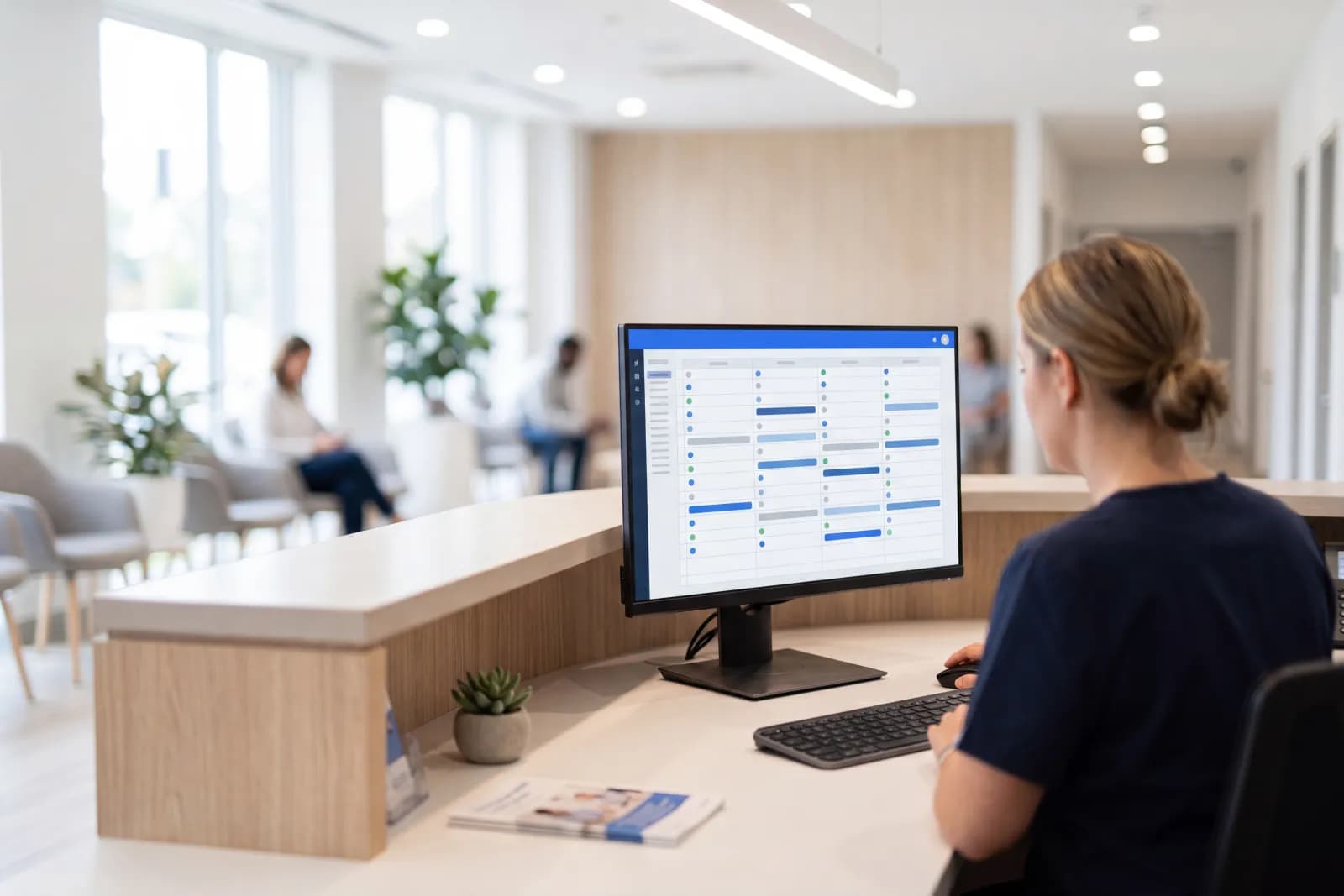
The problem of patient no-shows in medical centers remains a major source of operational inefficiency. Every empty slot in the schedule represents not only missed revenue but also idle doctor hours and idle medical equipment. Clinics address it with schedule management and multichannel reminders that let a patient confirm, reschedule or cancel without calling.
Economics of the Empty Chair: Hidden Clinic Costs
No-show losses occur across several layers. The first and most obvious is the direct loss of the consultation fee. If an initial consultation costs 50 local currency units, and 5 no-shows occur in a day, the clinic loses 250 units daily. Over a year for an average medical center, this figure translates into tens of thousands.
The second layer is operating expenses. Salaries for doctors and medical staff, facility rent, taxes, and utility bills are fixed and do not depend on whether the patient arrives. When a specialist's slot stays empty, the clinic still pays for that hour.
The third layer is the disruption of the patient journey. Patients who genuinely needed care were unable to book convenient slots because they were blocked by phantom reservations. This decreases loyalty: a patient who cannot get a convenient slot looks for another clinic.
Psychology of No-Shows: Why Patients Do Not Attend
To fight the issue effectively, one must understand patient behavior. The common reasons are:
- Forgetfulness. In an information-overloaded world, an appointment made two weeks in advance easily slips from memory.
- Fear of the procedure. Particularly relevant for dentistry and invasive interventions.
- Cancellation complexity. If cancelling requires calling a call center and waiting on hold, patients often choose to simply not show up.
- Symptom resolution. A patient books an appointment during an acute phase but feels better by the appointment date.
- Transportation and personal issues.
Automation helps neutralize most of these factors. Intelligent systems do not just remind patients about appointments; they offer convenient ways to confirm or reschedule without operator involvement.
Multichannel Reminders: Effectiveness of Different Tools
The 'single call the day before' standard is obsolete: many people do not answer calls from unfamiliar numbers. Clinics are transitioning to an omnichannel communication model.
Clinics combine SMS, instant messengers, and push notifications: a patient can confirm with one tap instead of calling back. Timeliness is the key factor. The optimal reminder schedule is:
- Immediately post-booking (slot confirmation).
- 48 hours prior (first reminder with cancellation option).
- 24 hours prior (final confirmation).
- 2 hours prior (reminder with logistics details).
Using interactive buttons ('Confirm,' 'Reschedule,' 'Cancel') in the messenger lowers the communication barrier. If a patient clicks 'Cancel' 48 hours in advance, the system instantly returns the slot to the online booking engine, where another patient from the waitlist can take it.
How the system keeps a patient in the schedule
- 1
Scheduled omnichannel reminders
Confirmation right after booking, then at 48, 24 and 2 hours — in a messenger, where the patient confirms with one tap.
- 2
Interactive cancel and reschedule
"Confirm / Reschedule / Cancel" buttons in the messenger: a cancellation 48 hours out instantly returns the slot to online booking.
- 3
Waitlist and auto-filled gaps
The system finds patients with a similar upcoming visit and offers them an earlier slot.
- 4
Predictive risk scoring and deposit
A profile with a reschedule history is tagged "high risk"; a token prepayment disciplines patients and filters non-target traffic.
- 5
Online booking and a personal account
24/7 self-reschedule and smartphone-calendar sync prevent a "silent" no-show at no cost to the clinic.
Intelligent Scheduling and Waitlists
Modern clinic management systems (CMS) feature automated gap-filling. If an opening appears in the schedule, the system analyzes the database for patients scheduled for similar appointments in the future and offers them an earlier slot.
Another tool is predictive analytics. Machine learning algorithms analyze an individual patient's visit history. If a person has rescheduled appointments three times or failed to show up without notice, the system flags their profile as 'high no-show risk.' For these patients, the administrator can request a mandatory deposit or make an additional confirmation call.
Paid bookings and deposits are becoming common in high-occupancy clinics. A minor booking fee, later credited toward the appointment cost, gives the patient a reason to cancel in advance rather than simply not come.
Online Booking and the Patient Portal
Integrating online booking with the CMS directly impacts appointment discipline. Patients who select their own slots on the website or app feel greater responsibility for their choice.
The patient portal allows viewing appointment history and managing bookings in one click. The ability to reschedule independently at 2:00 AM (when the call center is closed) prevents a silent no-show the following morning.
Synchronization with calendars (Google Calendar, Apple Calendar) adds the event to the patient's personal planner with automatic smartphone notifications. This creates an additional layer of verification that costs the clinic nothing.
Staff Management: Guidelines and Motivation
Technology is only half the battle. It is essential to structure internal workflows. Administrators must follow clear protocols when a no-show occurs: calling 5–10 minutes after the scheduled start to determine the reason and offer a reschedule. This retains the patient in the sales funnel instead of losing them forever.
The staff incentive system should tie to the 'useful schedule occupancy' metric. If administrators actively work the waitlist and confirm bookings, it should reflect in their KPIs.
Communication ethics also matter. Instead of an accusatory tone ('Why didn't you show up?'), staff should use supportive scripts ('We wanted to check if everything is okay?'). This strengthens trust and makes it more likely that the patient will notify the clinic in advance next time.
Artificial Intelligence: Voice Assistants and Chatbots
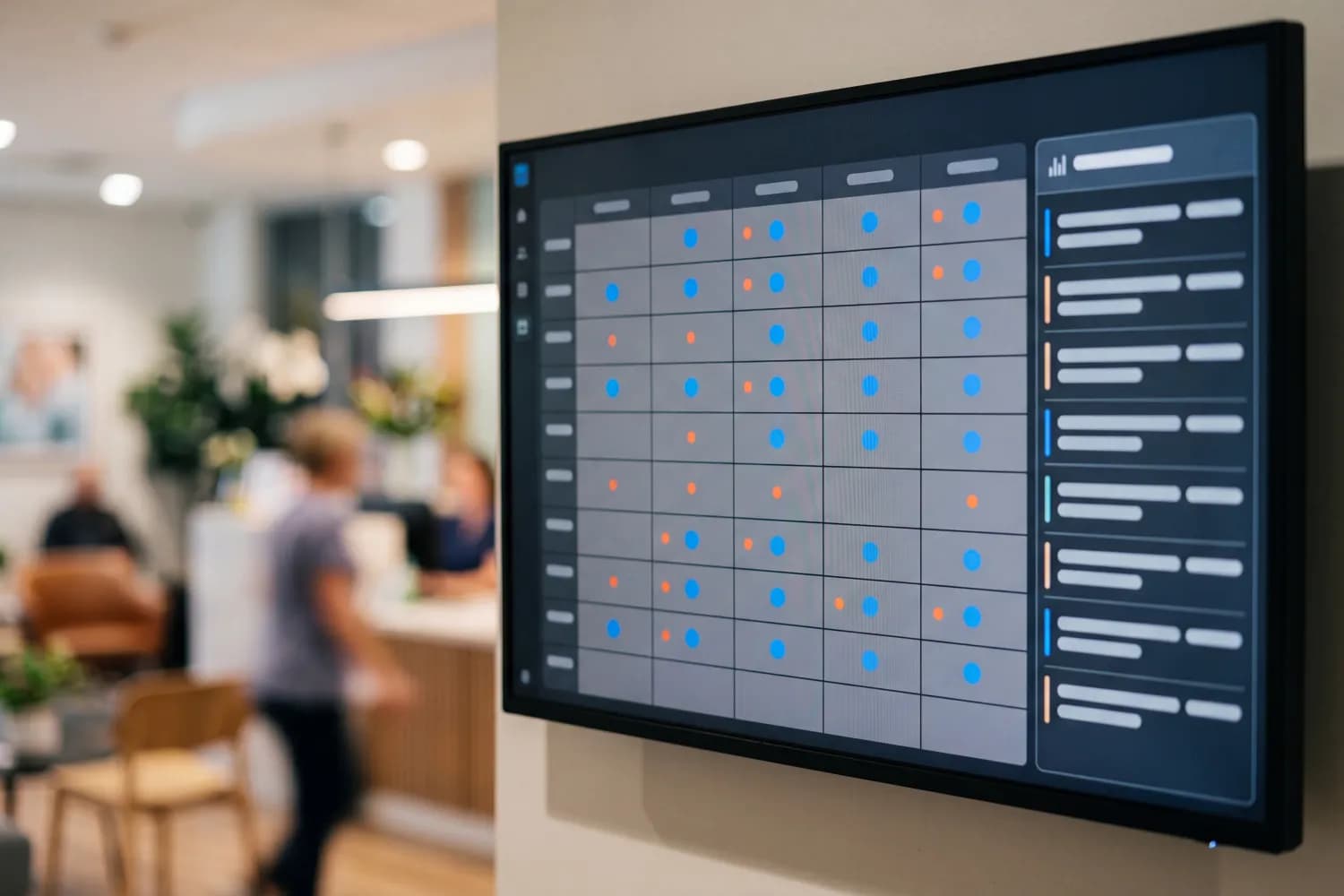
Voice AI assistants can make reminder calls at scale, understand patient responses, and update the CMS database without an operator.
Chatbots with natural language processing (NLP) support in messaging apps can answer patient clarifying questions before appointments (e.g., 'Do I need to fast?'). An informed patient is a prepared patient, with less anxiety and fewer reasons to cancel.
For a clinic, filling the slots it already has is a way to grow revenue without spending on new patient acquisition. In an environment of rising competition and marketing costs, retaining already booked clients becomes the clinic director's top priority.
No-Show Analytics as a Strategic Planning Tool
Regular analysis of no-show reasons helps identify systemic issues. For example, if no-shows spike at a branch next to a closed parking lot, it is a cue to adjust logistics or inform patients about detours. If no-shows cluster around a specific physician, the issue might lie in their communication style or long wait times outside their office.
Data on no-show rates by day of the week and hour allows optimizing clinic hours. If no-shows are traditionally higher on Saturday evenings, stricter confirmation rules can be applied to that time, or the slot can be reserved for urgent appointments at a premium rate.
A systemic approach to schedule management transforms a chaotic patient flow into a predictable business process. In 2025, a clinic's technological maturity is defined by its ability to manage every minute of its specialists' time, ensuring maximum availability of high-quality medical care.
Related articles
Want to apply this to your operation?
EFRION builds the automations described here — across POS, warehouse, and back-office operations.
Request a demo